, ,

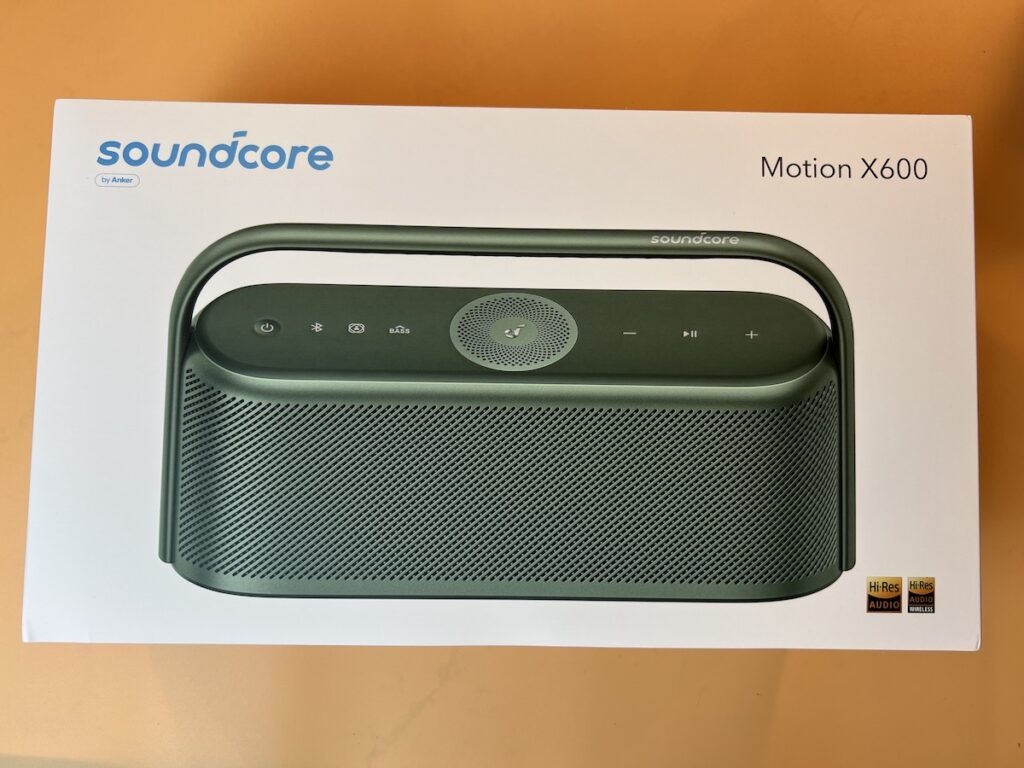
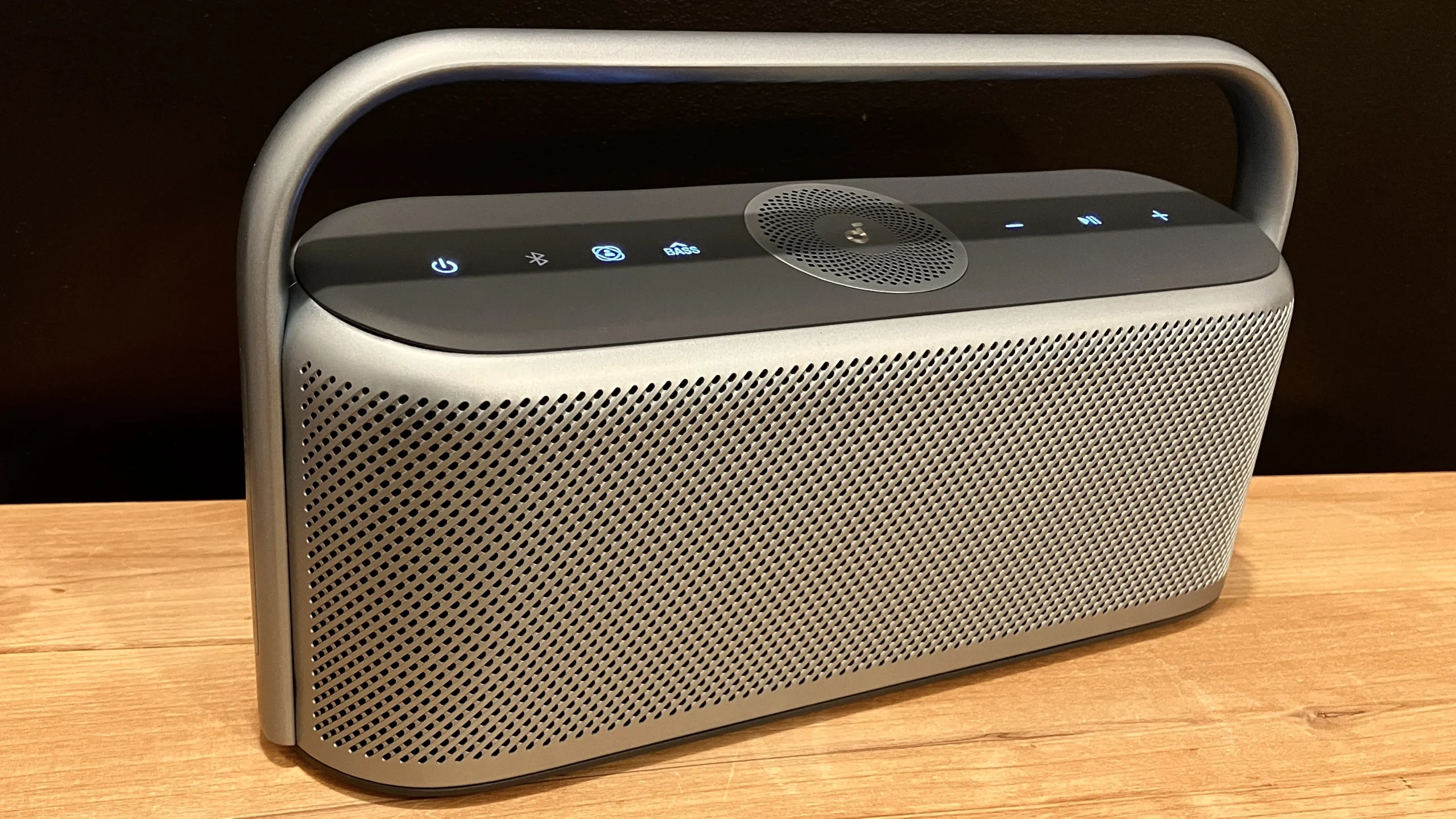
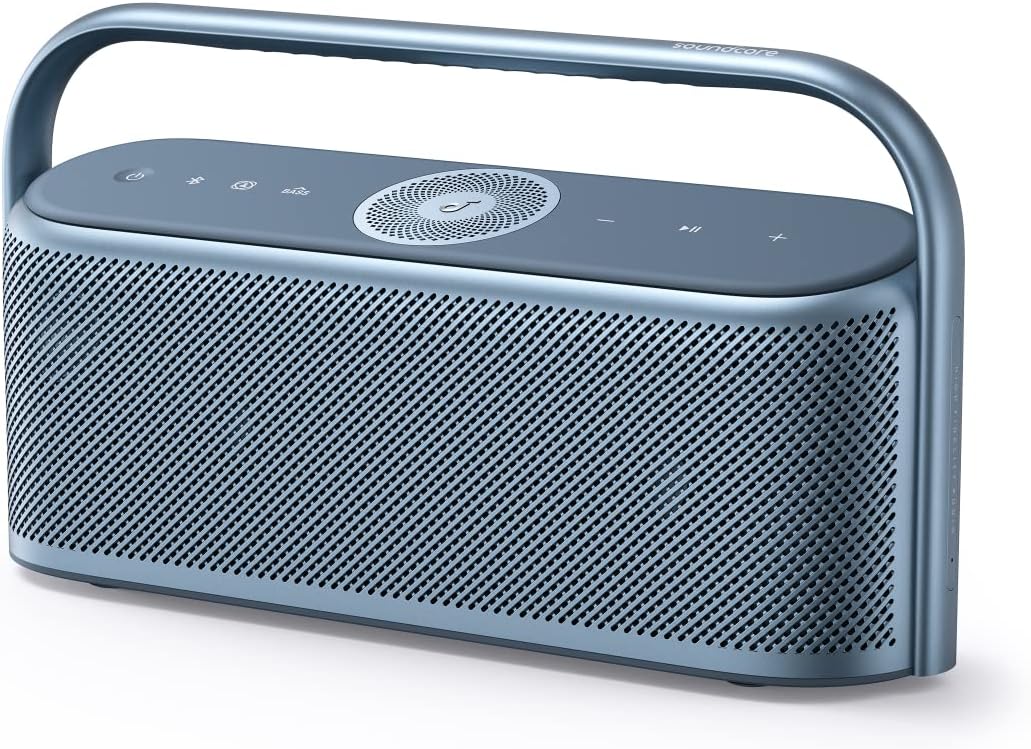
Soundcore Motion X600 High-Quality Sound Wireless Speaker


Soundcore Motion X600 High-Quality Sound Wireless Speaker Key Features

Output 50W
Playtime 12 Hours
Sound Hi-Res,High Fidelity,LDAC
Water Resistance Waterproof (IPX7)
Multi-Speaker TWS
Recommended For Indoor Bedroom Living Room
Bluetooth Version 5.3
Aux in ✔️

265,360.05

Soundcore Motion X600 High-Quality Sound Wireless Speaker

Soundcore Motion X600 High-Quality Sound Wireless Speaker

Soundcore Motion X600 High-Quality Sound Wireless Speaker Specifications
The World’s First Portable High-Fidelity Speaker

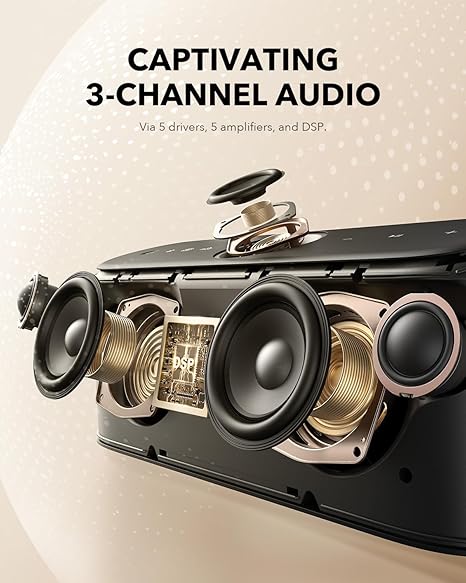
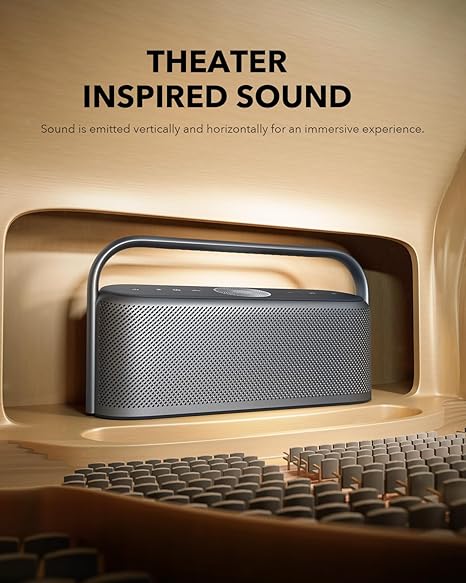
  • Immersive Spatial Audio: Inspired by theater acoustics, Motion X600 features an upward-firing full-range driver on top, combined with 2 woofers and 2 tweeters on each side to deliver sound all around you.
  • Transform Any Room Into a Live Venue: Motion X600’s goes beyond the boundaries of traditional speakers, offering a multidimensional experience that resonates with vibrancy and detail. Feel like you’re in the room with your favorite artist, every time you press play.
  • 50W Room-Filling Sound: Whether you’re having a party or just enjoying your favorite tunes, the 50W sound will fill any space with rich, high-quality sound that brings music to life.
  • Take Immersive Music Anywhere: Portable and lightweight, Motion X600 is easy to carry between rooms to transform any part of your home into an immersive listening space.
  • 12-Hour Playtime: Keep listening to music and podcasts for days at a time—with zero battery anxiety.
  • Fully Waterproof: Features IPX7 waterproof protection so you can simply relax and listen without worrying about the speaker getting wet.Note: For peak performance, please use the soundcore app and update to the latest firmware.


Output 50W
Playtime 12 Hours
Sound Hi-Res,High Fidelity,LDAC
Water Resistance Waterproof (IPX7)
Multi-Speaker TWS
Recommended For Indoor Bedroom Living Room
Bluetooth Version 5.3
Aux in ✔️

What’s in the box?

Motion X600 Speaker
60 cm USB-C to C Cable
Safety Card
Quick Start GuideNote: Aux cable and wall charger are not included!

Where can I download the soundcore app?
Download the soundcore app from Google Play, the Apple App Store, or by scanning the QR code below, then you can experience the full range of Motion X600’s features, including:
1. Customizable EQ
Customize the Pro EQ to get the sound you want for any style of music. You can also share your customized EQ with friends.2. LDAC Mode
Use the app to switch to LDAC mode (only available on Android 8.0 and above).

Does spatial audio require a specific music format?
No.

What is spatial audio and how do I turn it on?
Spatial audio places sound all around you to create an immersive listening experience. Simply press the Spatial Audio button to turn on.

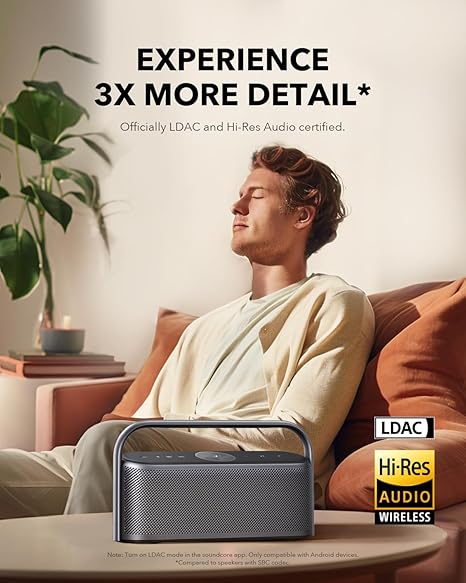
What is LDAC?
LDAC is a Bluetooth encoding format that can transmit 3 times the amount of data of ordinary Bluetooth SBC.

Note: LDAC only works on devices running Android 8.0 or above, it doesn’t works on iPhone devices.

How do I use LDAC?

On a device powered by Android 8.0 or above, do the following:
1. Open the soundcore app.
2. Go to the Settings
3. Click on Sound Mode
4. Select Preferred Audio Quality and switch to LDAC codec.Notes:
• It takes about 10 seconds to switch audio codecs. You may be required to update the speaker’s firmware if available. Do not use the app or speaker while updating.
• LDAC provides higher quality sound but increases power consumption and reduces playtime.
• Enable LDAC in a low-interference environment to ensure a stable Bluetooth connection.

Why do some devices experience interrupted sound when using the LDAC function?
After enabling LDAC, your device will default to adaptive bit rate mode. Generally, there won’t be any sound interruptions, however, if Android users turn on developer mode and select LDAC 990 kbps playback, sound may slightly cut in and out.

If you would like to select 990 kbps LDAC, we recommend following these steps:1. Turn off Wi-Fi on your Android device.
2. Turn off any extra Bluetooth and Wi-Fi devices in the room.
3. Connect your Android device to Motion X600 via Bluetooth and switch to 990 kbps.
4. Keep the distance between the Android device and Motion X600 within 0.5 m (1.6 ft).
5. Play local music files.

How can I TWS pair two Motion X600 speakers at the same time?

Method 1.
1. Speaker 1 and Speaker 2: Long press the power button to start both speakers.
2. Speaker 1: Hold the Bluetooth button until the button light flashes white.
3. Speaker 2: Hold the Bluetooth button until the button light flashes white.
4. Wait for a few seconds, and you will hear a sound when the two speakers have paired successfully.
5. The master speaker is the one with the blue light.
6. Use the master speaker to pair with your device.Method 2.
1. Long press the power button to start both speakers
2. Connect either speaker with your Bluetooth device.
3. On both speakers, press and hold the Bluetooth button for at least 2seconds to enter TWS pairing mode.
4. Wait for a few seconds, and you will hear a sound when the two speakers have paired successfully.

Note: To exit TWS mode, hold the Bluetooth button for at least 2 seconds.

How does stereo sound work during TWS pairing?

When you have two Motion X600 speakers paired at the same time, the master speaker supports left channel and sky channel(if the spatial audio is turned on), while the secondary speaker supports right channel and sky channel(if the spatial audio is turned on).

I can’t detect Motion X600 via Bluetooth. What should I do?

1. Fully charge the speaker.
2.Turn on the speaker, then hold the Bluetooth button and volume up button simultaneously for 5-10 seconds to reset the speaker.
3. Turn your device and your device’s Bluetooth off and on.
4. Clear all pairing records on your device.
5. Restart your speaker and reconnect to it.
6. Try the speaker with different devices if possible.

How do I use the EQ?

Open the soundcore app and go to Equalizer > Custom > Full-Band. Then click any dot to expand the corresponding frequency band, long press the dot and drag to customize the frequency.

Can I increase the bass on my Motion X600?

You can download the soundcore app and pair the speaker with soundcore app to enhance the bass via the EQ. The audio source quality might also affect the performance of the bass. Try using high-quality audio files or streaming services.

How can I share a custom EQ?

1. Download the soundcore app.
2. Pair Motion X600 with the soundcore app.
3. Click Equalizer.
4. Click the share button in the upper right corner, then click Copy Link or QR Code. You can choose an app to share the link or the QR Code with your friends.Note: To use the sharing function, you need to log in to your soundcore account first.

How do I import a custom EQ that someone has shared with me?

Method 1: Copy the Link (Note: The link must be the EQ link of Motion X600 generated in the soundcore App)
Open the soundcore app and pair with Motion X600, then copy the EQ link, the link will automatically be detected and you will be asked whether or not your want to import it.
Click “Yes” and then click “Import”.Method 2: Scan the QR Code
Open the soundcore app and pair with Motion X600.
Go to Equalizer > Add > Scan Code for EQ. Then scan the QR code your friend shared with you and click “Import”.


Where to buy Bluetooth speakers in Lagos? Worry not! We are the best, reliable and affordable plug for your gadget here at Amaget Stores

Find out more about speakers related to this Here

Find Out more about on Soundcore Motion X600 Website

Select your currency

Select at least 2 products
to compare